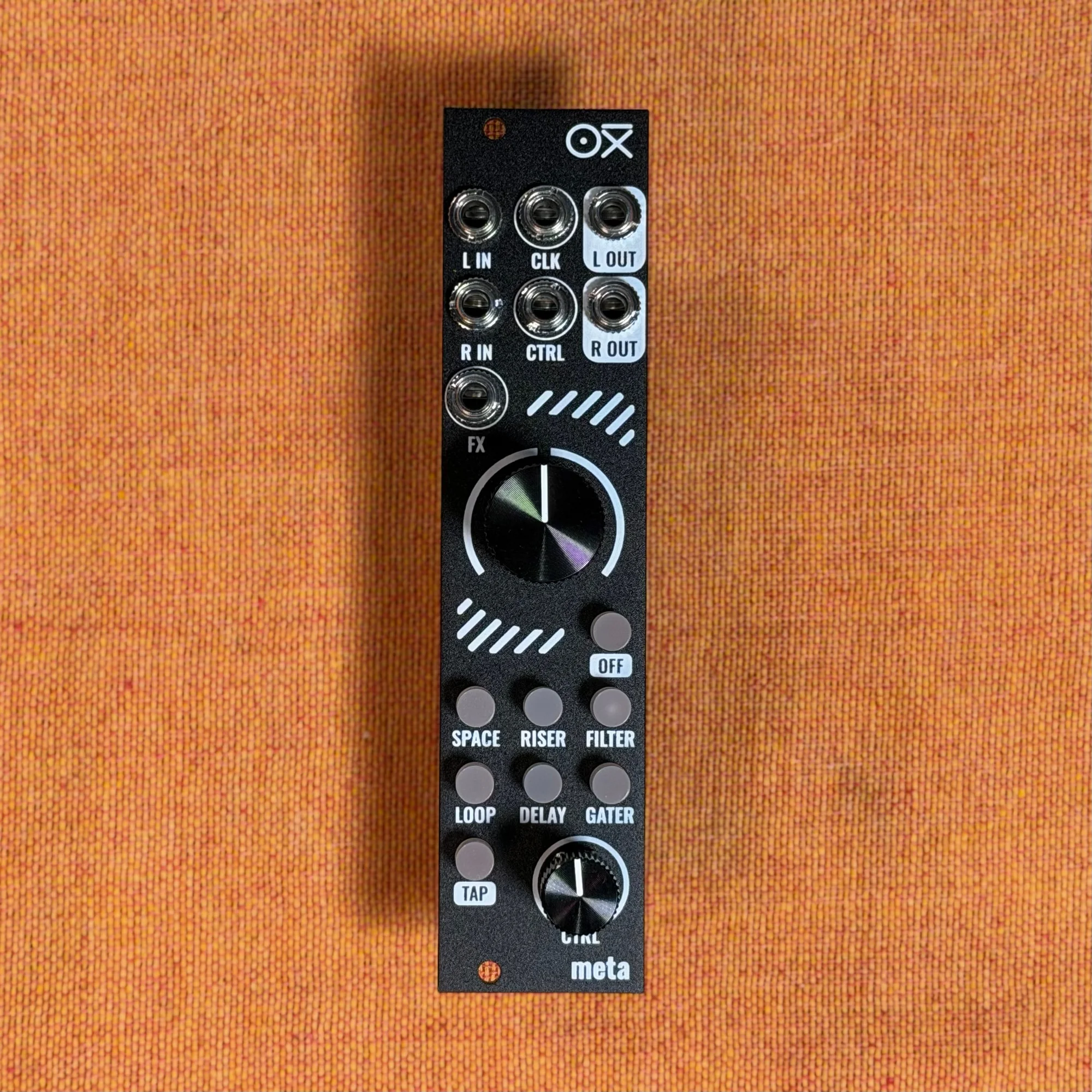
Welcome to EP.7 of the OXI Coral guide series. This time, the focus is on building a patch from scratch with Coral and Meta and using CV modulation.
Coral is convenient to control over MIDI, but in a Eurorack system it can also be controlled through its CV inputs. Through Oora's demonstration, this episode follows the process of building a patch from scratch with Coral as the only main voice, then using various CV signals to modulate the filter, amplifier, and effects into an expressive patch.
- Building a Patch from Scratch
- Adjusting the Engine and Sequence
- Connecting the Clocking System
- Setting Up the Effects
- CV Modulation: Filter
- CV Modulation: Amplifier
- Effect Modulation with Planar
- Performing the Completed Patch
- About Oora
Building a Patch from Scratch
This demonstration uses Coral as the main and only voice module. At first, only the minimum signal path is connected.
Basic signal path:
OXI Coral → OXI Meta (add effects with Meta)
OXI Meta → output module (such as Sealegs)
Metropolix (sequencer) pitch output → Coral V/Oct input (the 1V-per-octave pitch standard)
Metropolix gate output → Coral Trig input (a trigger signal that starts a note)
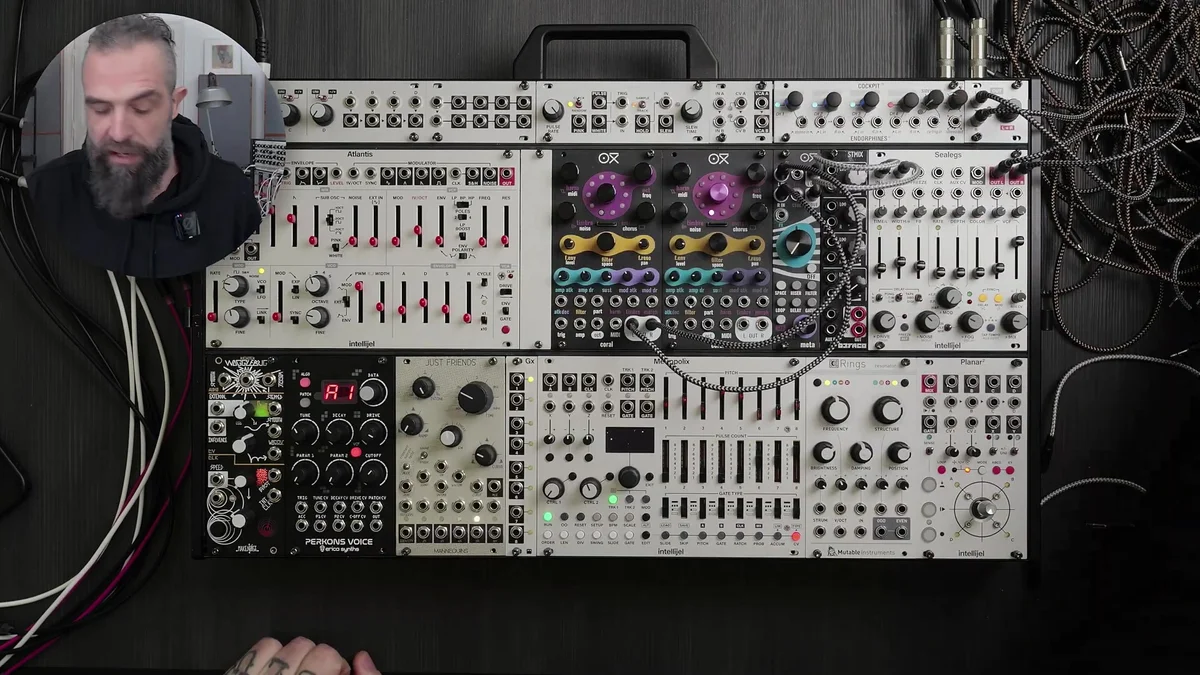
When starting a new patch, it is recommended to hold the encoder for five seconds to reset Coral's engine. This clears the previous settings and provides a clean starting point. A red LED animation appears during the reset.
Adjusting the Engine and Sequence
Once the basic connections are in place, start the sequencer and select a Coral engine to define the sound.
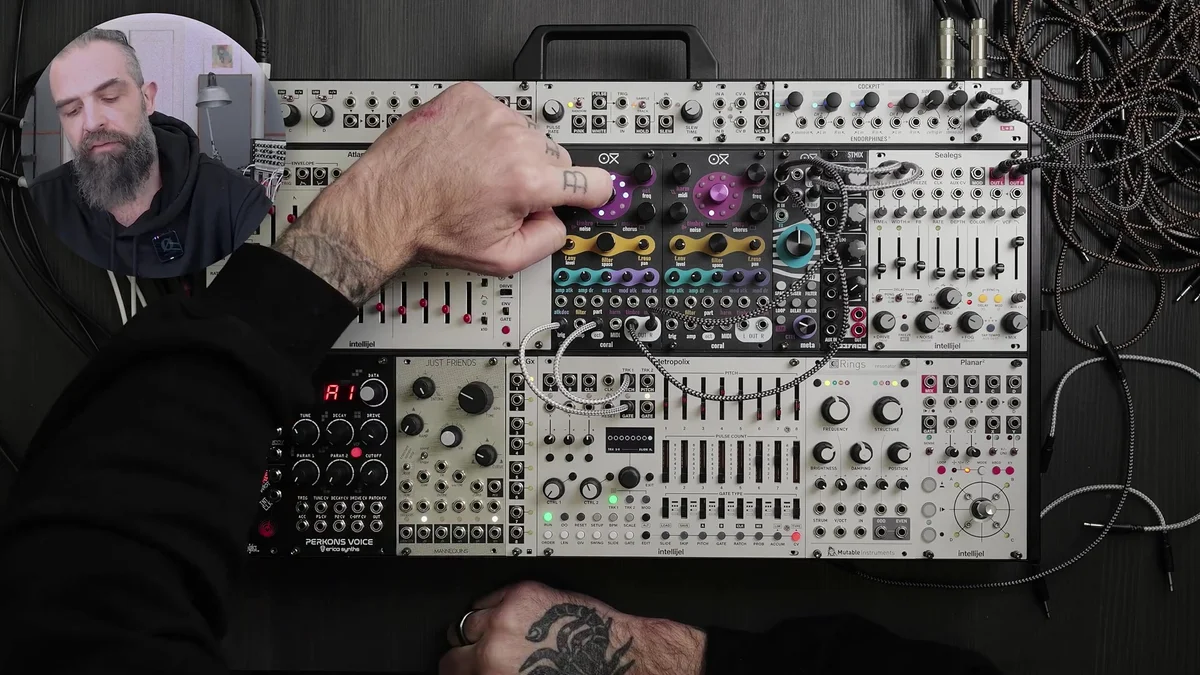
Turning the encoder cycles through the available engines. Changing engines while the sequence is playing lets you hear the character of each sound in real time. Once you have selected an engine, adjust its parameters to shape the sound further.
The approach used in this demonstration is to first create a sound you like, then add modulation. Establishing the basic sound before building the modulation makes it easier to develop the patch in the intended direction.
Connecting the Clocking System
To synchronize the effects and modulation, the whole system is synchronized to a clock (the reference signal that sets the overall tempo).
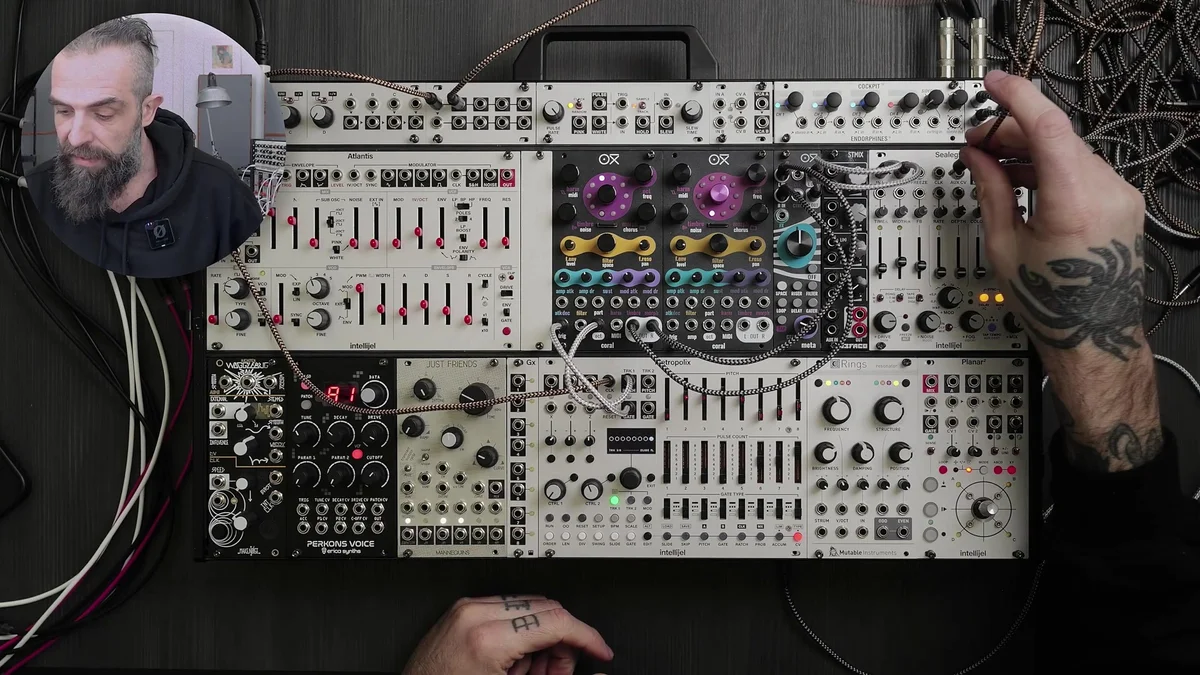
Clock connections:
Metropolix clock out → Mult
Mult output 1 → Coral CLK input
Mult output 2 → Meta CLK input
Mult output 3 → clock input of Wogglebug (a sample-and-hold generator)
A divided output of Metropolix's clock (divided with a shift cable or clock divider) → clock input of Just Friends
Setting Up the Effects
Next, set up Meta's delay and reverb to suit Coral's sound.
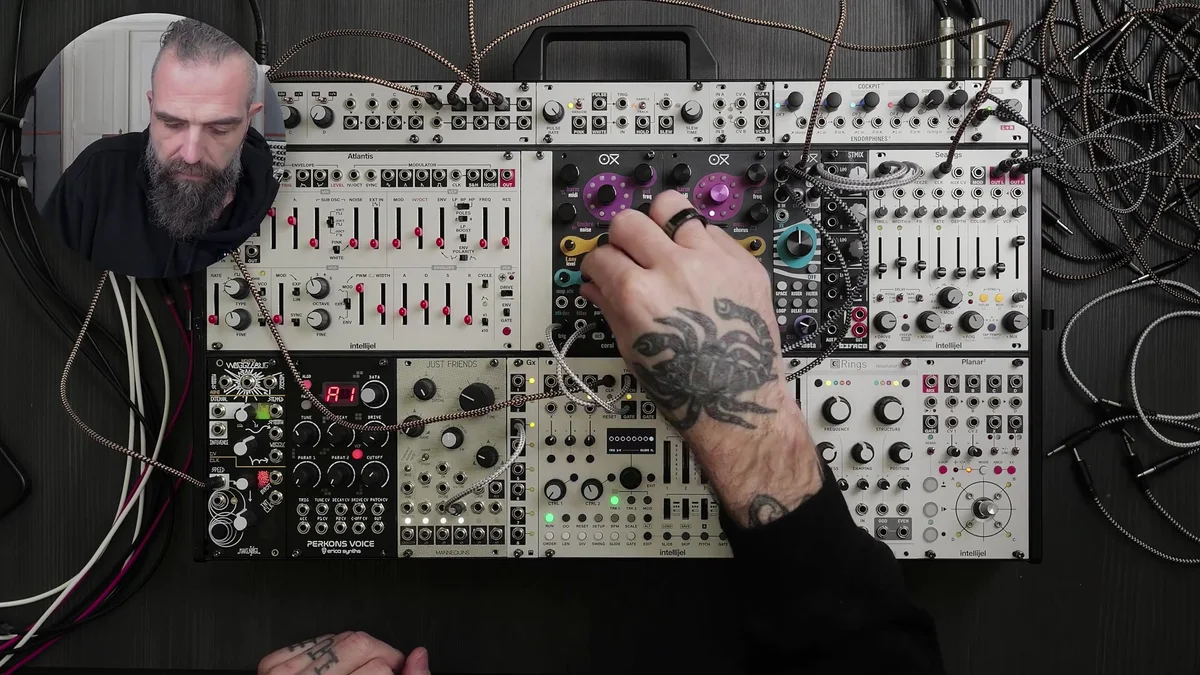
An effect chain usually places delay before reverb, but this demonstration deliberately uses the opposite order: reverb first, then delay. In this setup, delay is applied to the reverberated sound, producing a different spatial texture.
After setting up the effects, use Coral's space knob to adjust the reverb send level and establish the baseline amount of space. This demonstration takes an approach that uses both delay and reverb actively.
CV Modulation: Filter
With the basic patch in place, CV modulation can be added. The first target is the filter.
Filter Modulation with a Just Friends Envelope
Just Friends generates six clock-synchronized envelopes. Connecting one of these envelope outputs to Coral's CV input creates filter movement synchronized to the tempo.
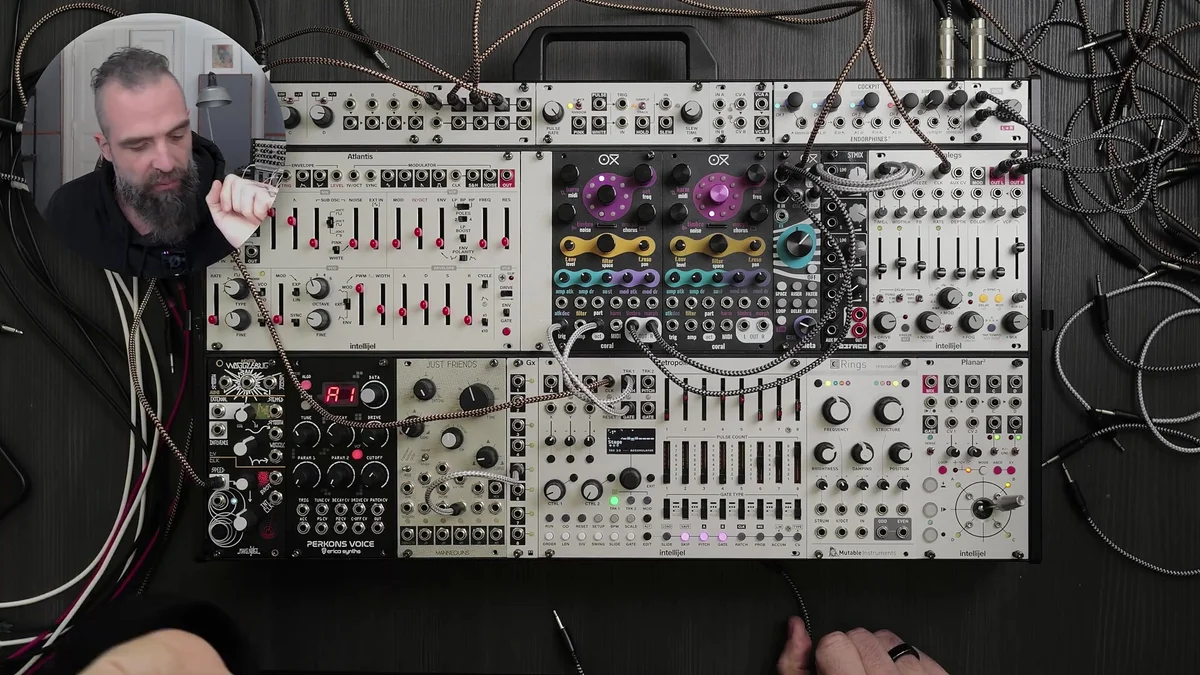
The Just Friends knob changes the envelope's curve. Depending on its position, the envelope changes between a slower attack and longer release, or a short, sharp envelope. This adjustment substantially changes how the filter moves.
Changing the clock division changes the rhythm of the modulation. Faster divisions produce finer movement, while slower divisions produce more gradual changes.
Random CV from Wogglebug
Instead of a regular envelope, using Wogglebug's Stepped output creates random CV changes that remain synchronized to the clock.
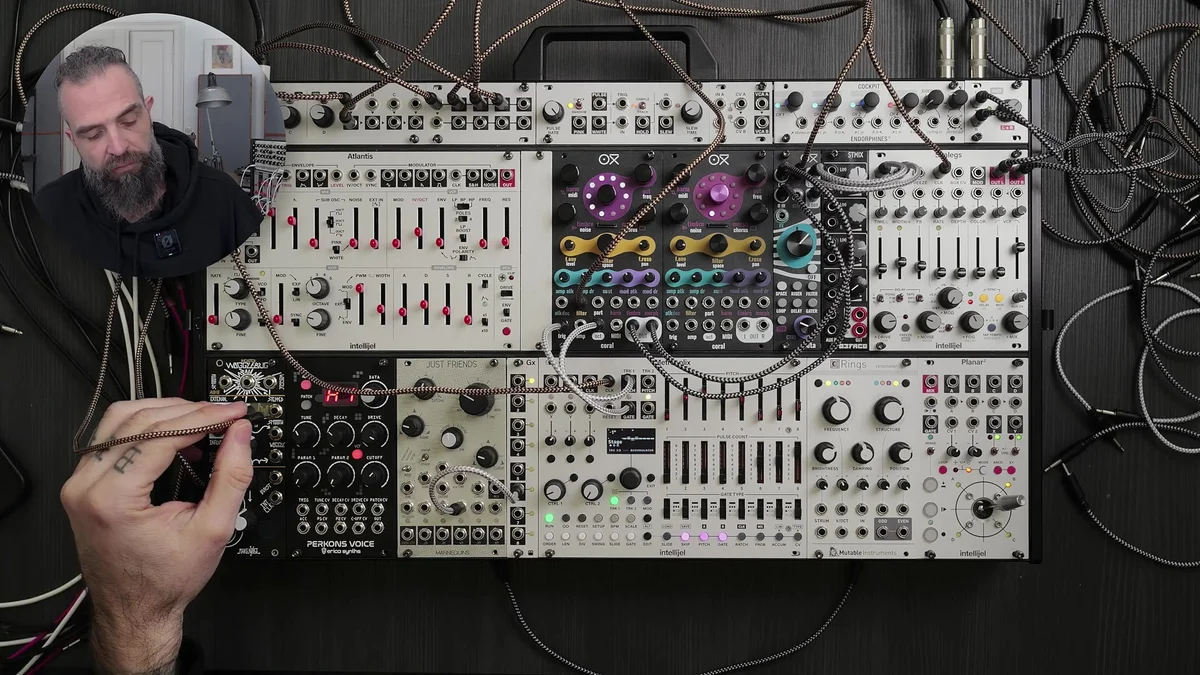
Wogglebug works as a clock-locked S&H (sample and hold). Its Stepped output changes instantly to a random voltage at each clock pulse, causing the filter to open and close randomly in time with the notes.
Wogglebug also has a Waggle output (a smoothly changing random curve). Using this output produces smoothly varying random modulation. Switching between Stepped (immediate changes) and Waggle (smooth changes) substantially changes the patch's movement.
CV Modulation: Amplifier
Once the filter modulation is set, the next step is modulating the amplifier (the volume envelope).
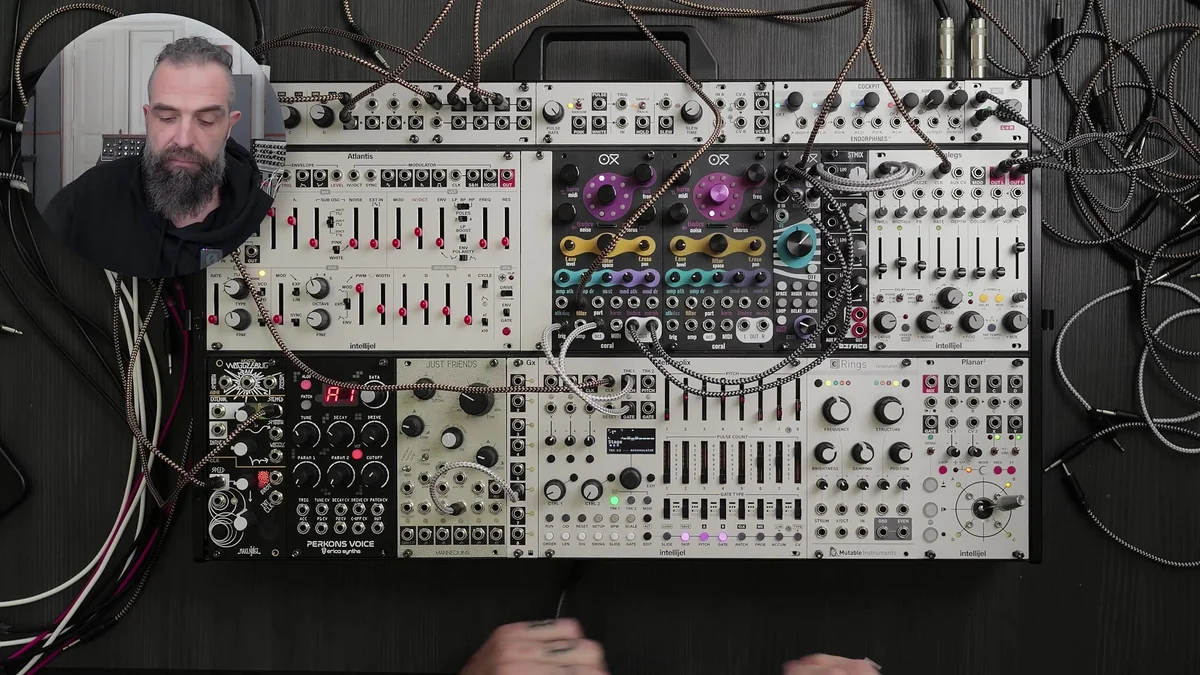
Connect a Just Friends envelope to Coral's amp CV input. This produces dynamic volume changes similar to MIDI velocity. Changing the envelope's attack and release characteristics can take the sound from a percussive sound with a sharp attack to a pad-like sound that fades in gradually.
You can also connect Wogglebug's Random output (Sample & Hold) to Coral's CV input and vary a parameter with random sample-and-hold values. This adds a different random change to each note and creates further variation in the dynamics.
Effect Modulation with Planar
As well as modulating the sound, you can modulate effect parameters with CV. This demonstration uses Planar (a two-axis XY controller) to control Meta's parameters.
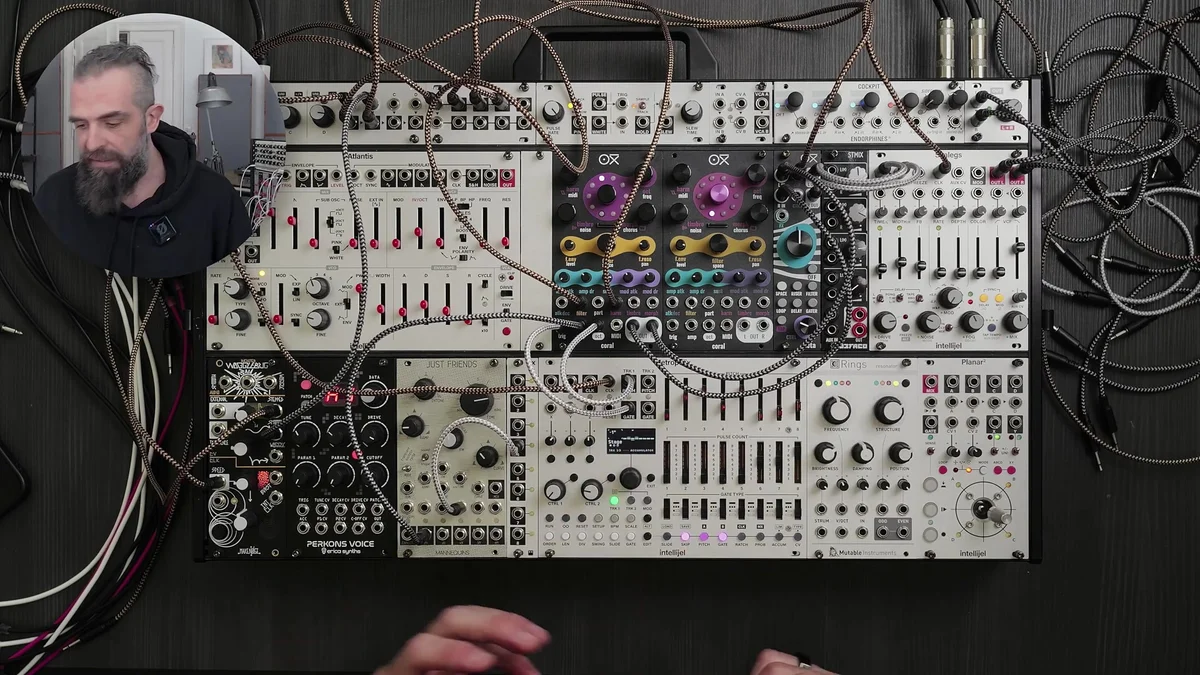
Planar can record hand movements and play them back in a loop. This lets you keep a modulation pattern running hands-free while concentrating on other controls.
Connections and operation:
Connect Planar's X-axis output to Meta's reverb parameter CV input
Connect Planar's Y-axis output to another Meta control
Press the Record button to record the knob movement
Press the Play button to loop the recorded modulation
Because Planar can produce bipolar CV, moving the knob in both directions from the center can modulate a parameter upward and downward. Applying this bidirectional motion to the reverb send level alternates between drier and wetter settings.
Performing the Completed Patch
With all of its modulation sources combined, the completed patch has the following structure.
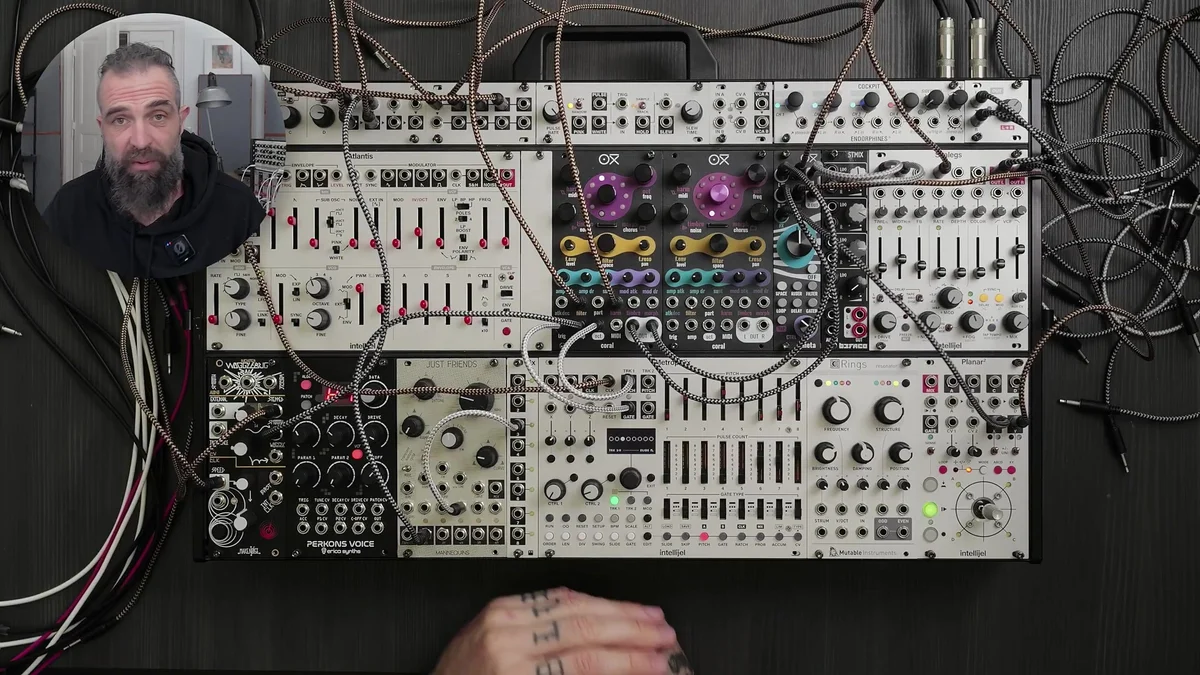
| Modulation source | Modulation destination | Result |
|---|---|---|
| Just Friends envelope | Coral filter | Clock-synchronized filter movement |
| Wogglebug Stepped | Coral filter | Random filter movement |
| Just Friends envelope | Coral amplifier | Dynamic volume changes |
| Wogglebug S&H | Coral parameter CV | Random variation |
| Planar X-axis | Meta reverb | Automatic spatial changes |
| Planar Y-axis | Meta control | Effect parameter changes |
During the performance, the player changes Metropolix notes in real time and directly adjusts Coral's parameters. Even with only one voice, combining multiple modulation sources creates an expressive patch.
About Oora
Oora is the solo project of Federico Chiesa, an electronic music artist from Italy. Working with analog sequencing and hardware synthesizers, he creates music that ranges from ambient to techno.
His style is known for using constrained equipment setups alongside improvised performance to create detailed soundscapes.
The demonstration in this article presents a Coral-and-Meta-centered patch in the context of a live performance.
That concludes this article.
From Takazudo's perspective, Coral is primarily used with MIDI, but this demonstration of using Gate and CV shows a range of other possibilities. When triggering Coral with Gate, Coral has only one 1V/Oct jack, so it cannot play different pitches polyphonically.
However, since Coral has effects, a filter, and a VCA built in, that single 1V/Oct input can still produce quite rich sounds and offers many ways to control them. Seeing two Corals placed side by side also makes a second one seem appealing. (Laughs.)
This episode presents a solid combination with Meta as well.
OXI Coral Product Details
See the OXI Coral product details below.
8-voice multitimbral polysynth module in 14HP. Combines synth, sampler, and drum functions with a low-pass filter, chorus and reverb effects, custom wavetables, and multiple firmware options.
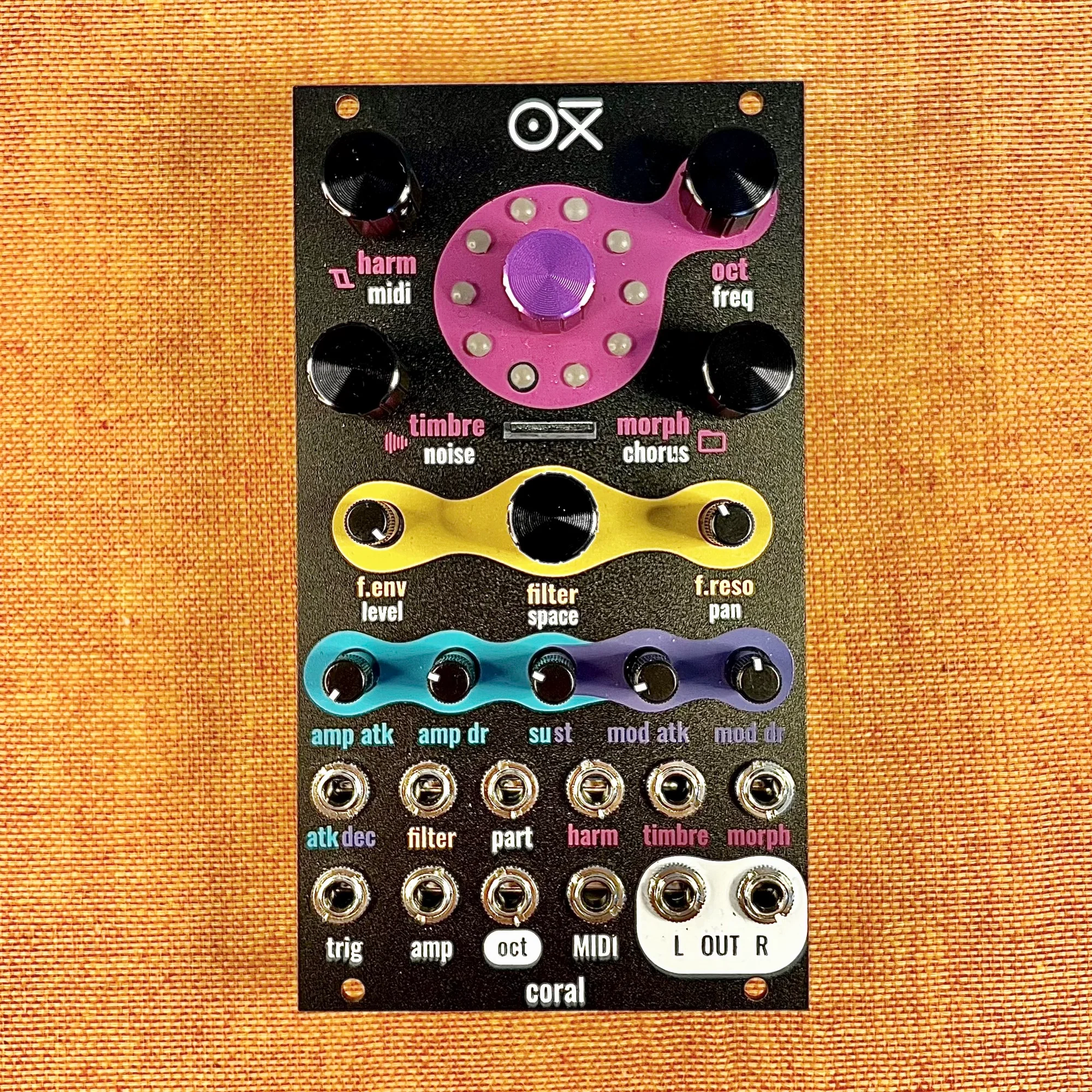
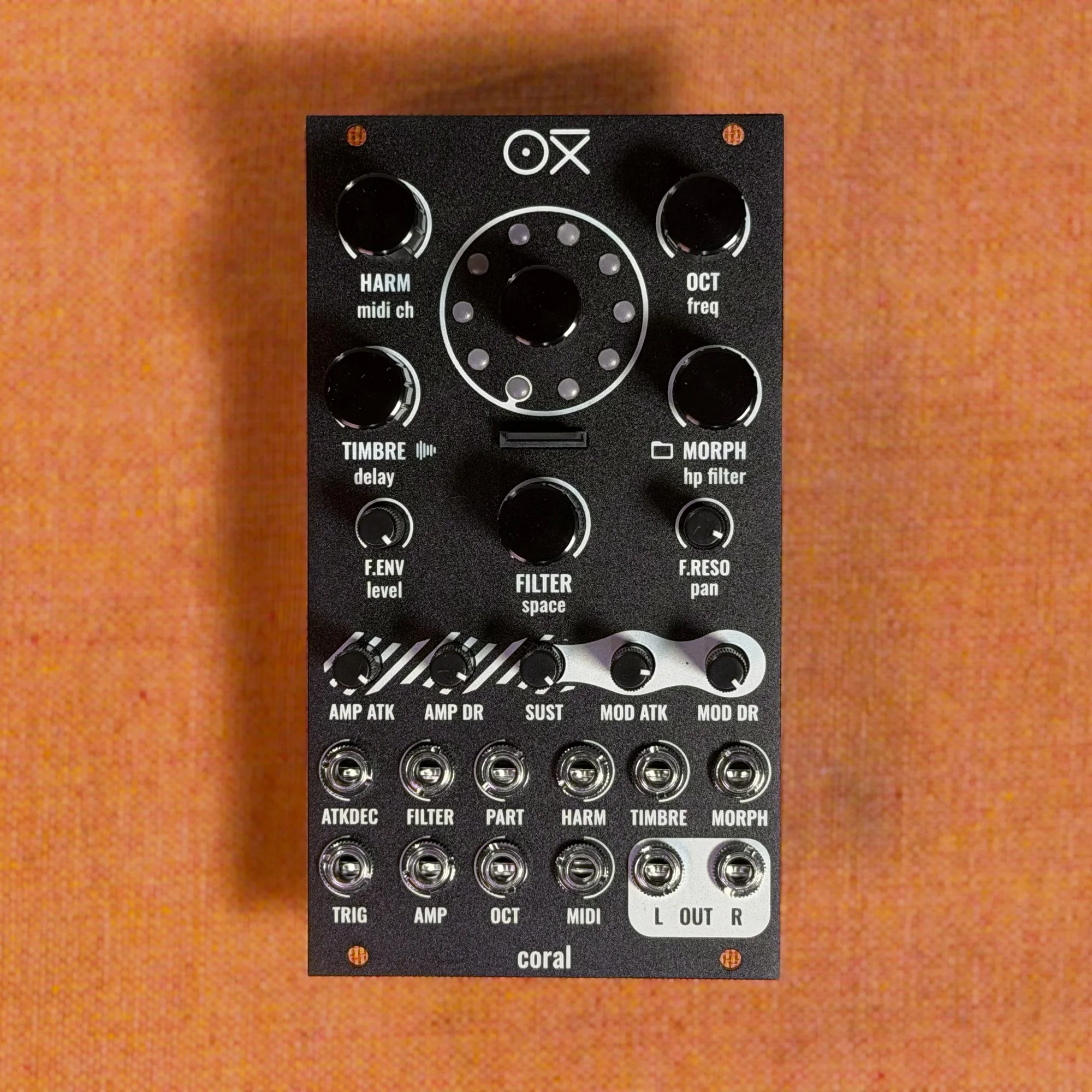
8-voice multitimbral polysynth module in 14HP. Combines synth, sampler, and drum functions with a low-pass filter, chorus and reverb effects, custom wavetables, and multiple firmware options. Black edition.
6HP stereo effects module geared toward live performance. Switch between six transition effects to bring the dynamic build-ups and drops common in dance music, all with high-quality processing.
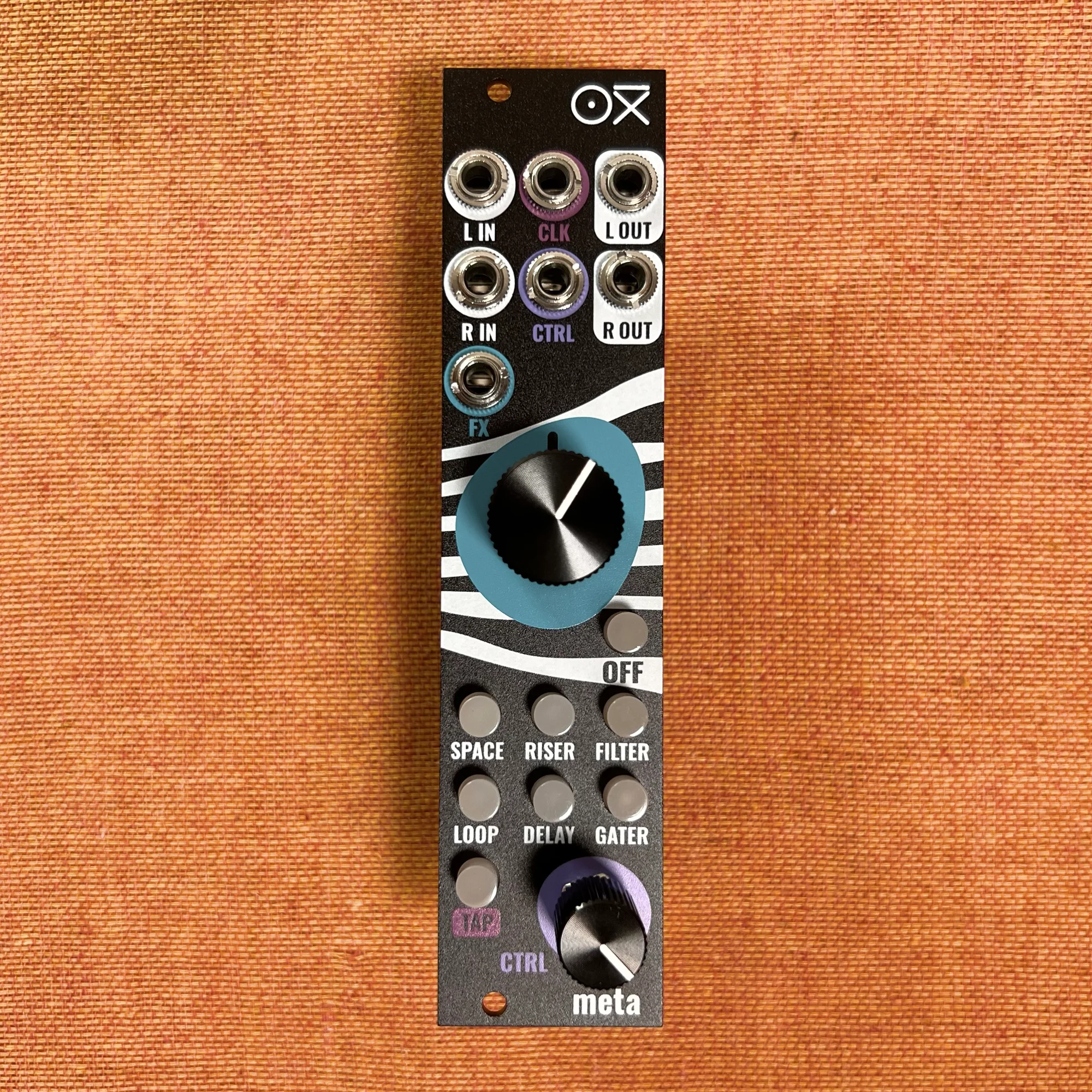
6HP stereo effects module geared toward live performance. Switch between six transition effects to bring the dynamic build-ups and drops common in dance music, all with high-quality processing. Black edition.